We merged two original test graphics in the homepage editor and downloaded the results on October 23, 2026. This page includes the files, settings and measurements so you can repeat the experiment. The useful surprise: our JPEG was larger than the PNG, even though both had the same dimensions. Choosing a format is only one part of choosing an export.
Start with the same two files
The inputs are simple graphics we made for this test, with text, flat colors and thin lines. They are not photographs or stock images. Download landscape A, 960 × 640 PNG and portrait B, 480 × 800 PNG, then add both to the homepage editor in that order.
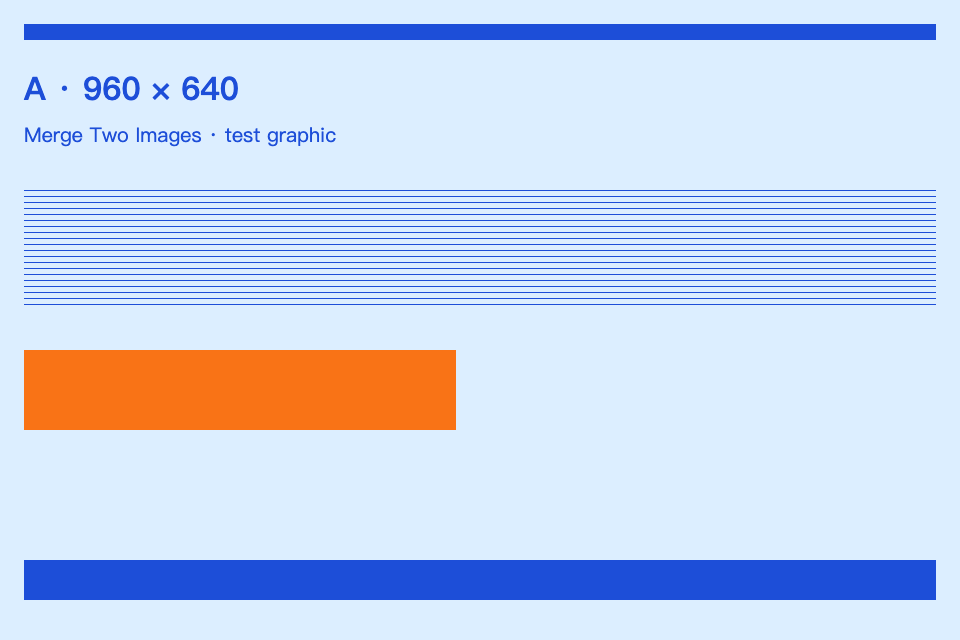
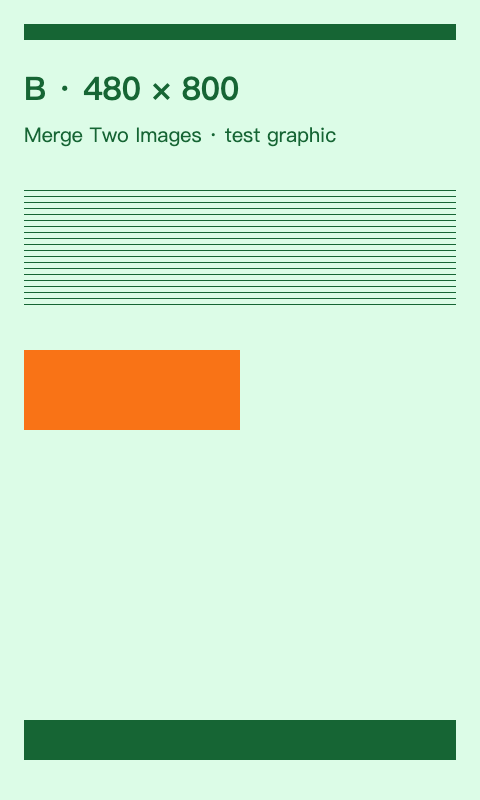
Set Horizontal, Reduce to smallest, Free aspect ratio, 12px spacing and 0px margin. Turn on Transparent. Leave borders, corners and shadow at zero, image shape at Default, and alignment at Center. Under More options, keep both size limits at 8000. For JPEG and WebP, use 92% quality. PNG does not use the quality control.
Why the result is 1356 × 640
In a horizontal layout, Reduce matches the smaller image height: 640 pixels. A stays at 960 × 640. B shrinks from 480 × 800 to 384 × 640, because 640 ÷ 800 = 0.8. The canvas width is therefore 960 + 12 + 384 = 1356, and its height is 640.
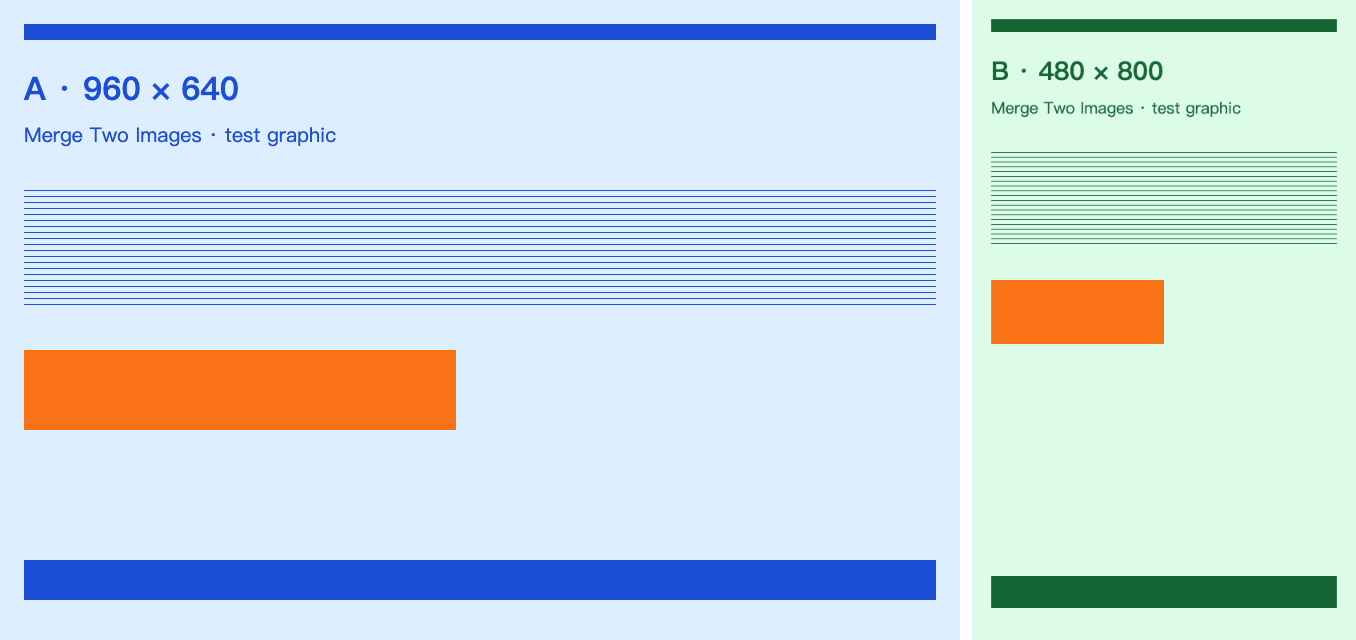
The text printed inside B still says “480 × 800”; that label describes the input file. It is not the size B occupies after fitting. This distinction matters when a screenshot appears readable before import but becomes too small in a combined image.
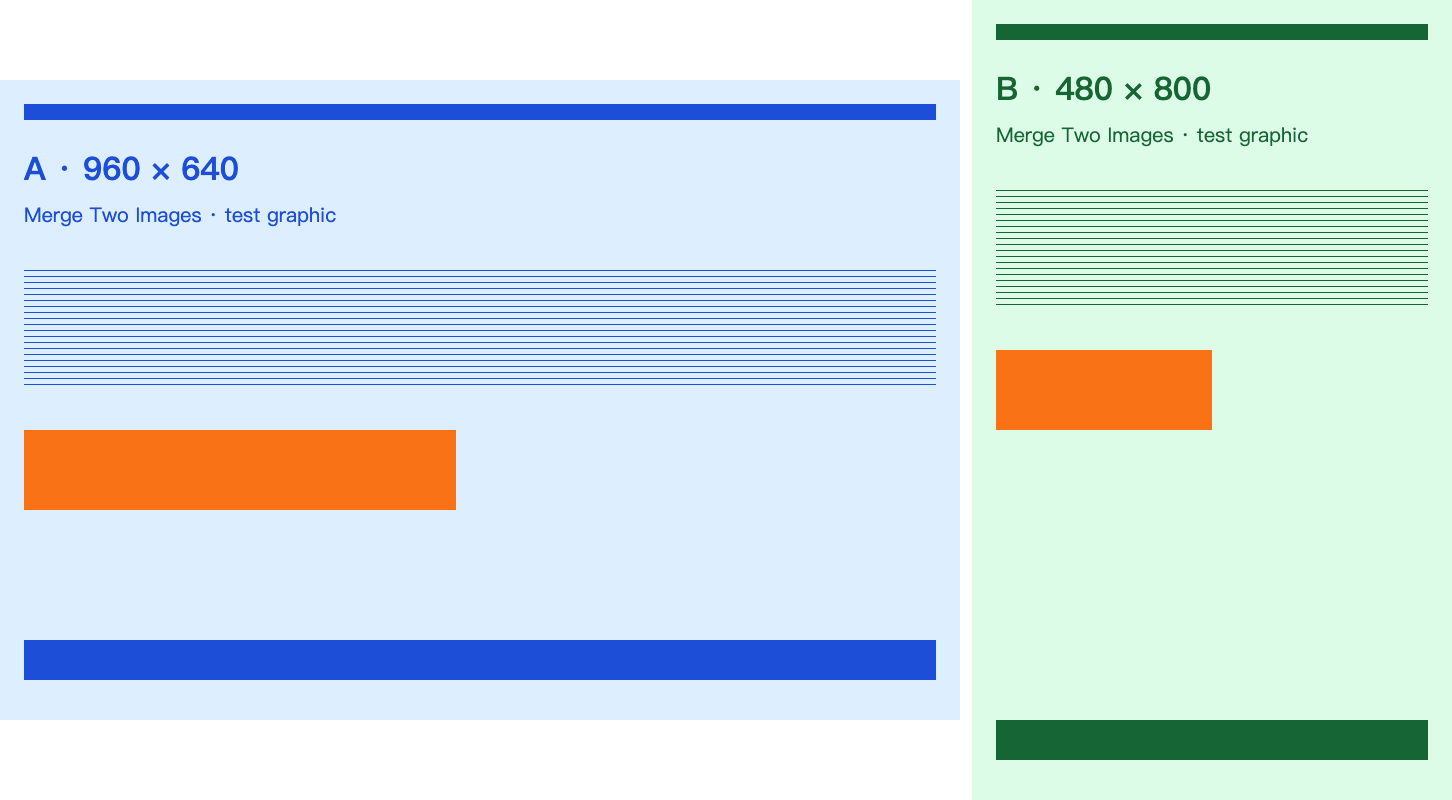
Switching only Sizing to Original produced 1452 × 800: 960 + 12 + 480 across, with background above and below the shorter image. Download the Original-sizing PNG to compare. Original preserves both images’ pixel dimensions here; it does not make their heights equal.
The actual format results
We clicked Download for each format and decoded each saved file to check its dimensions and a pixel in the gap. These are measured byte counts, not estimates from the preview.
| Saved format | Dimensions | File size | Gap alpha | Download |
|---|---|---|---|---|
| PNG | 1356 × 640 | 46,807 bytes | 0: transparent | PNG result |
| JPEG, quality 92% | 1356 × 640 | 61,031 bytes | 255: opaque | JPEG result |
| WebP, quality 92% | 1356 × 640 | 16,716 bytes | 0: transparent | WebP result |
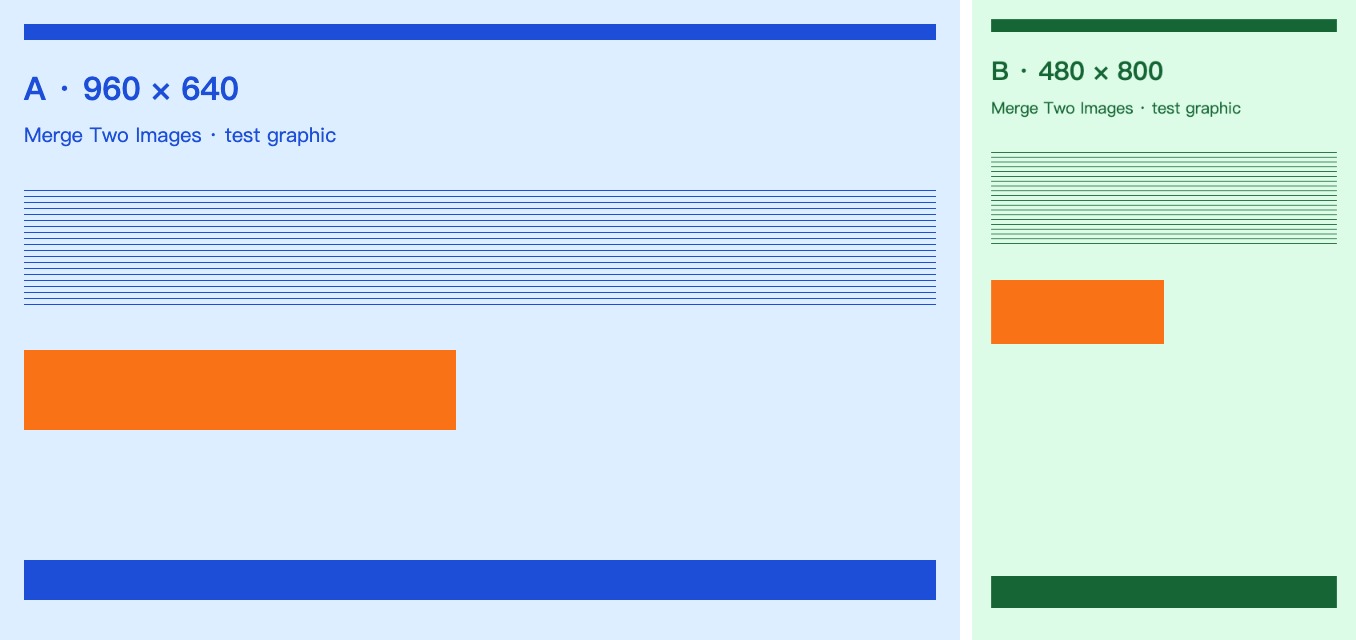
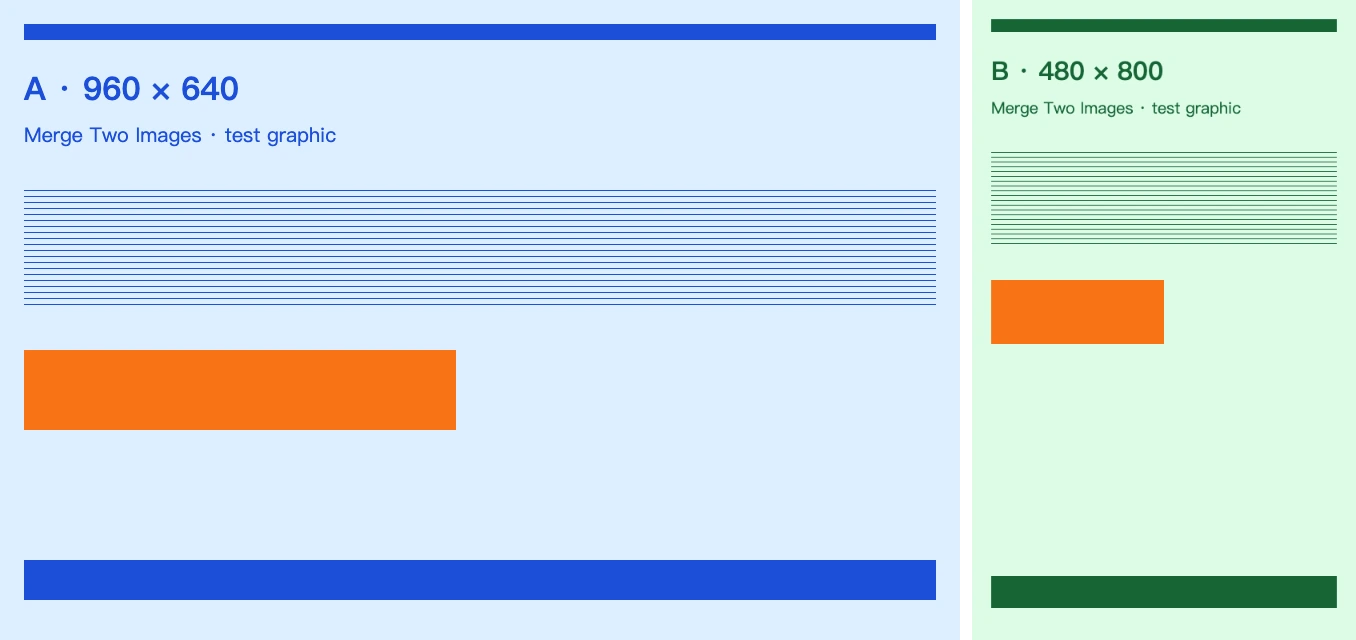
PNG suits this image’s large areas of flat color and sharp lines. JPEG adds lossy encoding and is larger for these particular graphics. WebP is the smallest file in this run, but its 92% setting is still lossy; a small file does not establish that all fine details survived. Open the downloads at 100% zoom and compare the small lettering and thin lines before choosing one for your own project.
The gap pixel at zero-based coordinate (965, 320) was transparent in PNG and WebP. The JPEG pixel was RGBA (255, 255, 253, 255): opaque and nearly white, with slight color variation from compression. JPEG cannot keep the transparent gap, even with Transparent selected. Its background came from the editor’s white background color.
A width limit changes the saved file
With Reduce still selected, we changed only Max width from 8000 to 1000, left Max height at 8000, and downloaded PNG again. The limited-width result is 1000 × 472, 32,653 bytes. The scale is 1000 ÷ 1356; the computed height rounds to 472.
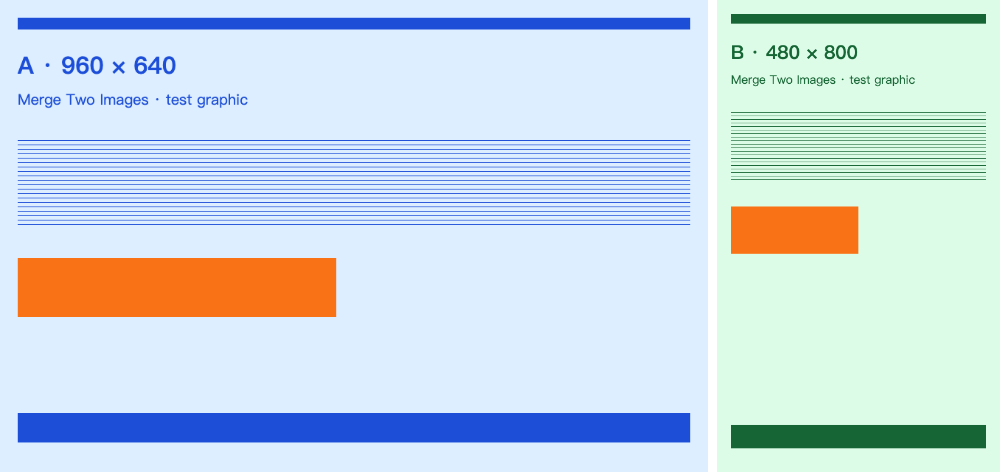
This export shrinks the whole composition, including B’s already reduced text and the gap. A smaller on-screen preview or the Zoom control alone does not prove the downloaded file was resized. Check the saved file’s pixel dimensions. If the final image must fit a narrow chat message, inspect it at that receiving width as well.
Repeat it, and understand the limits
Use the editor screenshot to identify the main controls and measurement record for the recorded settings, file hashes and results. All inputs and results on this page are available without signing in.
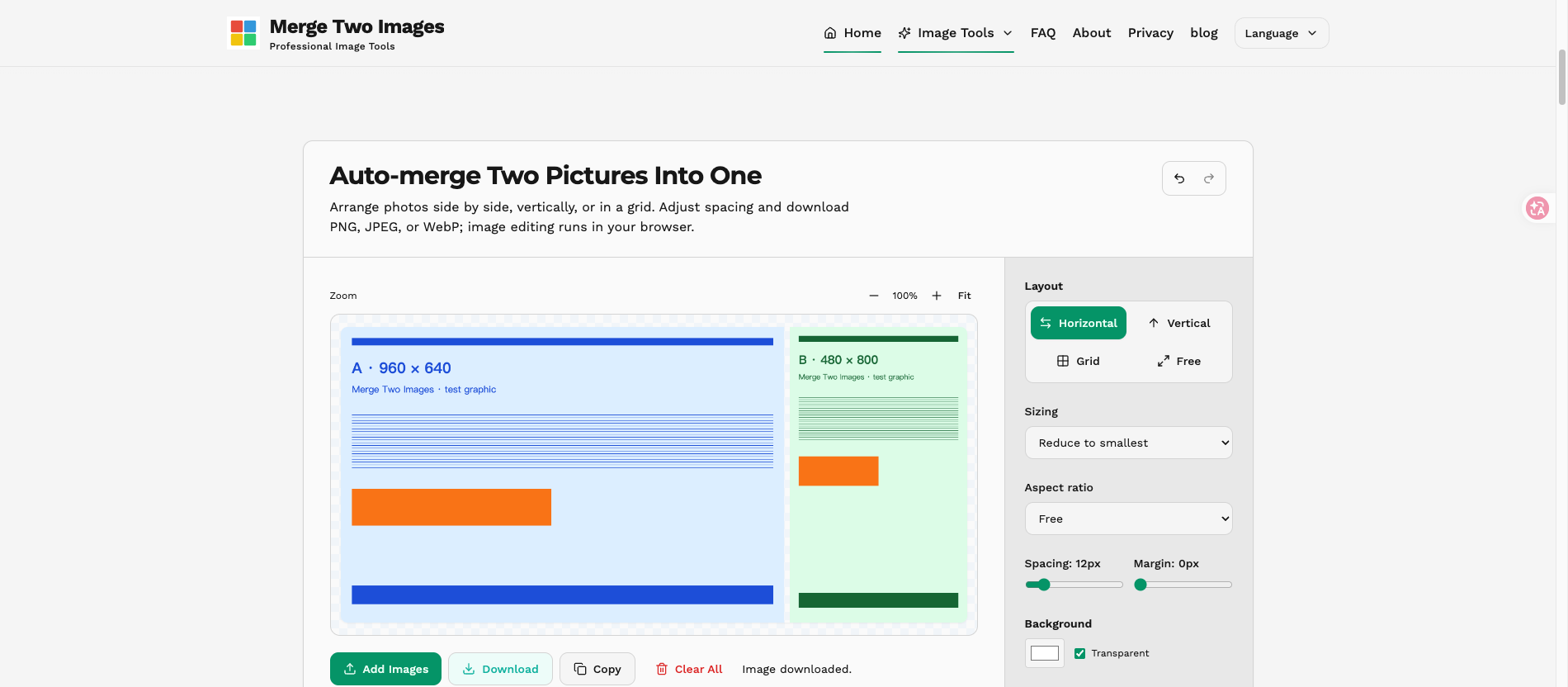
This was one desktop Chrome 154 run against the site’s local source before publishing this article. Encoders, fonts and browsers can produce different bytes. The two flat-color graphics do not establish which format is best for photographs, and we did not measure perceptual quality or mobile performance. The purpose is to separate three decisions you can verify: fitting changes image geometry, size limits change output dimensions, and encoding changes file size and transparency.
For a real project, use PNG when sharp graphics and transparency are your priority, compare JPEG and WebP for your own content, and retain your source files. If a download fails, try PNG or use the export troubleshooting guide.