Image merging·2026-07-15
How to Merge Images Side by Side Online Without Photoshop
Learn how to merge images side by side online, choose the right canvas, preserve quality, and create comparison graphics for social media.
Read more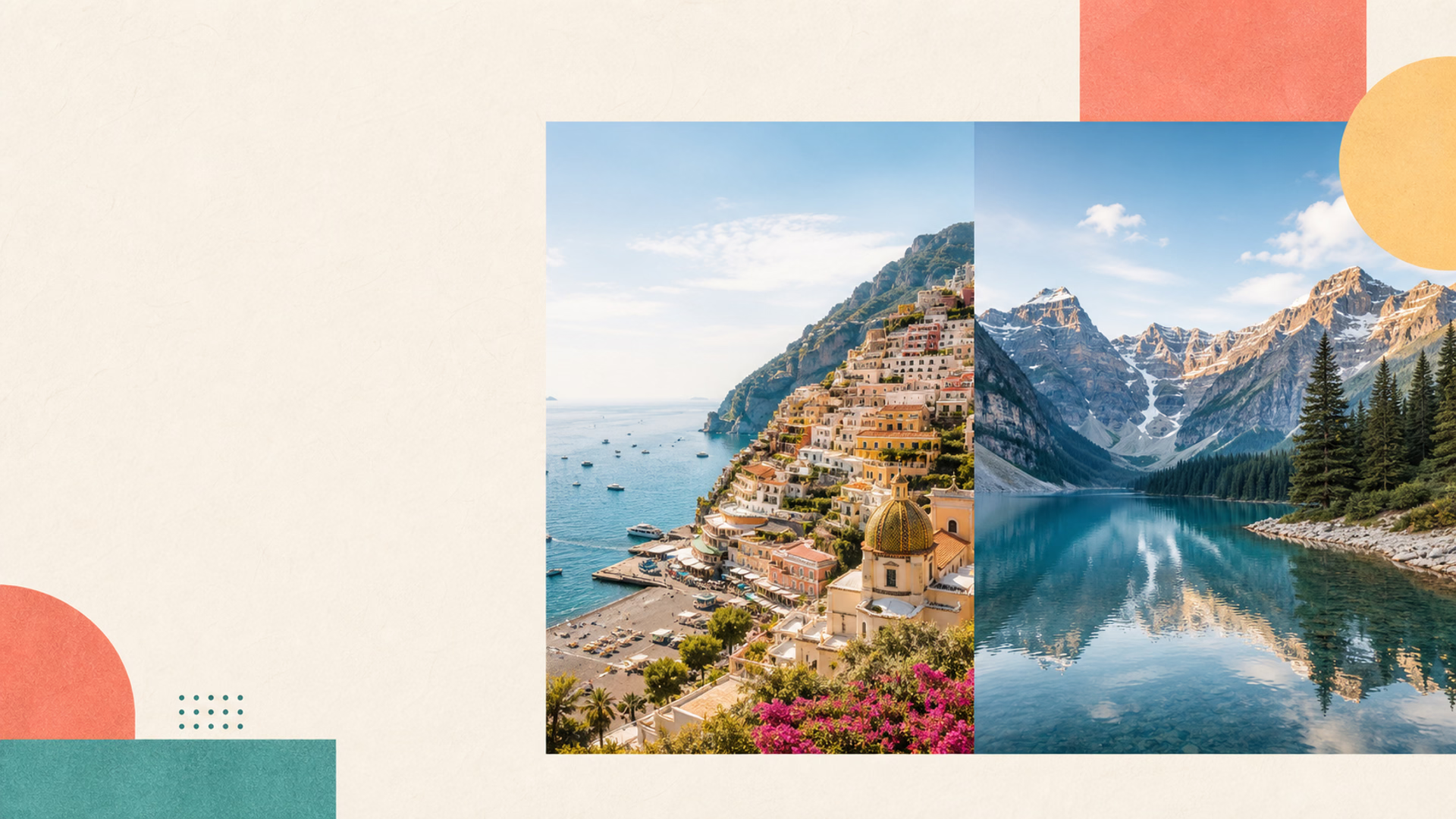
Auto-merge two pictures into one in seconds. Put two photos together side by side or vertically, export in JPG or PNG, and keep everything private in your browser.
Put two photos together side by side or vertically with fast browser-based processing
Images are processed locally in your browser and never uploaded.
Discover more browser-based tools to merge pictures, overlay photos, crop images, and add text with clean results
Combine multiple images into one with collage, grid, horizontal, vertical, and long-image layouts in your browser.
Merge Multiple Images→Add text to images online with custom fonts, shadows, colors, and easy drag-to-position controls in your browser.
Add Text to Image→Overlay two images online, add watermarks, and place logos on photos with opacity and position controls.
Overlay Images→Make square images with blur, color, resize, or adjustable crop modes for social media and product photos.
Open Square Image→Crop pictures to a circle for profile photos, avatars, logos, and social media with transparent PNG output.
Circle Crop Image→Split images into custom grid tiles with draggable cut lines, numbered previews, and ZIP export.
Split Image→An easy way to put two pictures together, combine two photos into one frame, and download a clean result without extra software.
Merge two images instantly with our optimized browser-based technology.
Your photos never leave your device. All processing happens locally in browser.
Export merged images in JPEG or PNG format with adjustable quality settings.
Free online tool with no software to install or accounts to create.
Merge two images on phones, tablets, and desktops for on-the-go editing.
Combine two photos into one frame completely free, no hidden costs ever.
Learn how to combine two photos into one picture, choose the right layout, and export a sharp final image with our free online tool.
Merging two images means combining two separate photos into a single cohesive image. Whether you want to create panoramic landscapes, before-and-after comparisons, or artistic collages, our free online tool makes it simple to merge two images seamlessly without any software installation.
With our free online photo merger, you can easily combine two photos into one frame without any design experience. The tool works directly in your browser, ensuring your privacy while delivering professional-quality results in seconds.
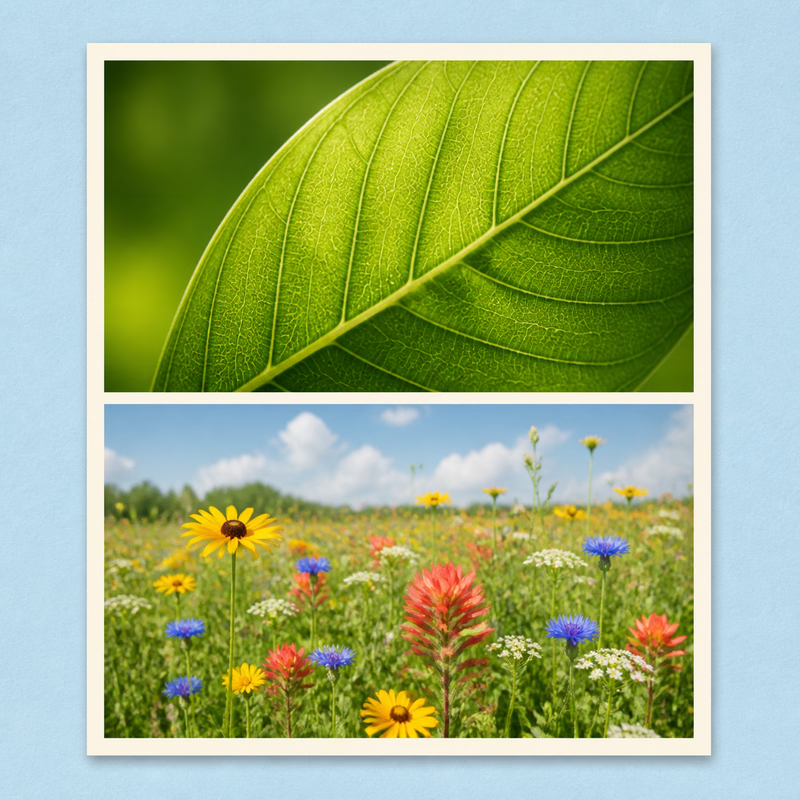
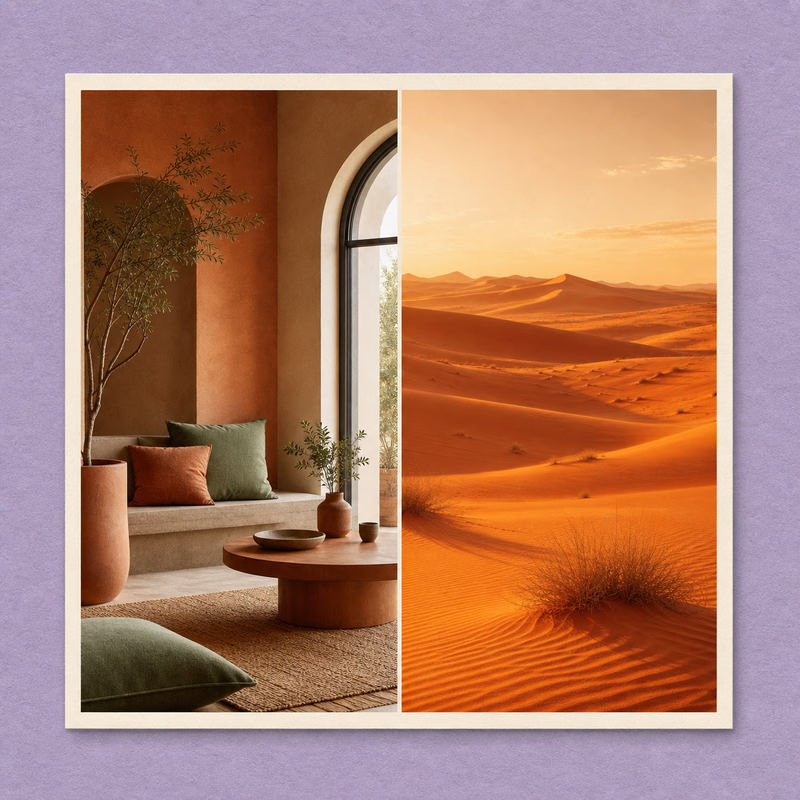
Our tool offers two primary ways to merge two images. Horizontal merging places photos side by side, perfect for panoramas, comparison shots, and wide-format displays. Vertical merging stacks images on top of each other, ideal for creating long scrolling images, Instagram stories, or Pinterest pins.
When you combine two photos into one frame, consider the aspect ratio of your final image and where it will be displayed. Social media platforms have different optimal dimensions, and our tool adapts to help you create the perfect composite image.
Click the upload area or drag and drop your photos. You can also paste images directly from your clipboard.
Select horizontal or vertical merging, output format (JPEG/PNG), and quality level for your combined image.
Click merge and download your combined image instantly. It's that simple to merge two images!
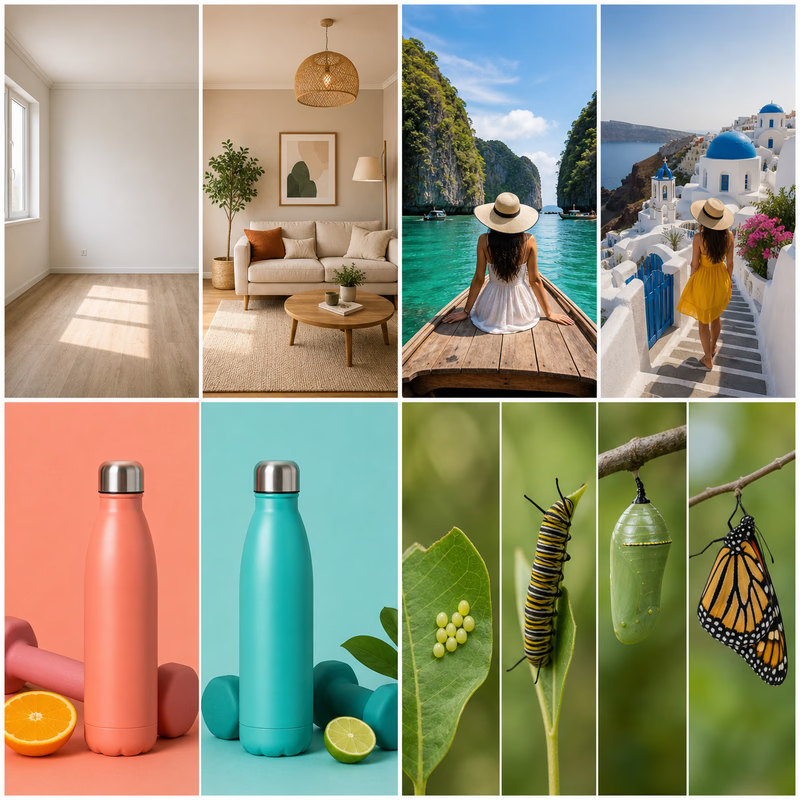
The possibilities are endless when you merge two images creatively. Real estate agents combine multiple room photos into virtual tours. Fitness enthusiasts create before-and-after transformation photos. Travelers stitch together panoramic views of stunning landscapes.
Professional photo editing software can be expensive and complex. When you just need to combine two photos into one frame, our dedicated tool is faster and more efficient. Merge two images with our free online solution - no downloads, no subscriptions, and no learning curve required.
Unlike cloud-based solutions that upload your images to remote servers, our tool processes everything locally in your browser. This means your photos stay private and secure. You get the same quality results as desktop software, but with the convenience of free online access from any device.
Whether you're a professional photographer, social media manager, or someone who just wants to merge two images for a personal project, our tool delivers professional results. The intuitive interface makes it easy to upload, arrange, and export your combined images.
Match image dimensions: For the cleanest results when you merge two images, try to use photos with similar dimensions. This creates a more balanced and professional-looking final image.
Consider color harmony: Images with complementary color palettes merge more naturally. When you combine two photos into one frame, choosing visually cohesive images makes the composite more appealing.
Choose the right format: Use JPEG for photographs with many colors and gradients. Choose PNG if you need transparency or have images with text and sharp edges.
Optimize quality settings: Higher quality means larger file sizes. For web use, 80% quality often provides an excellent balance between visual quality and file size.
Ready to merge two images into one clean composite? Our free online tool helps you put two pictures together in seconds, on any device, with no registration required.
Answers about how to put two pictures together, change the layout, and download the final image with the right quality
From the blog
Learn faster ways to merge photos, combine screenshots, and prepare images for everyday projects.
Learn how to merge images side by side online, choose the right canvas, preserve quality, and create comparison graphics for social media.
Read moreLearn how to merge images vertically into one long screenshot for chats, receipts, tutorials, and documents while keeping the correct order.
Read moreCreate a useful before and after image with matched framing, side-by-side or vertical layouts, readable labels, and a clear comparison story.
Read more